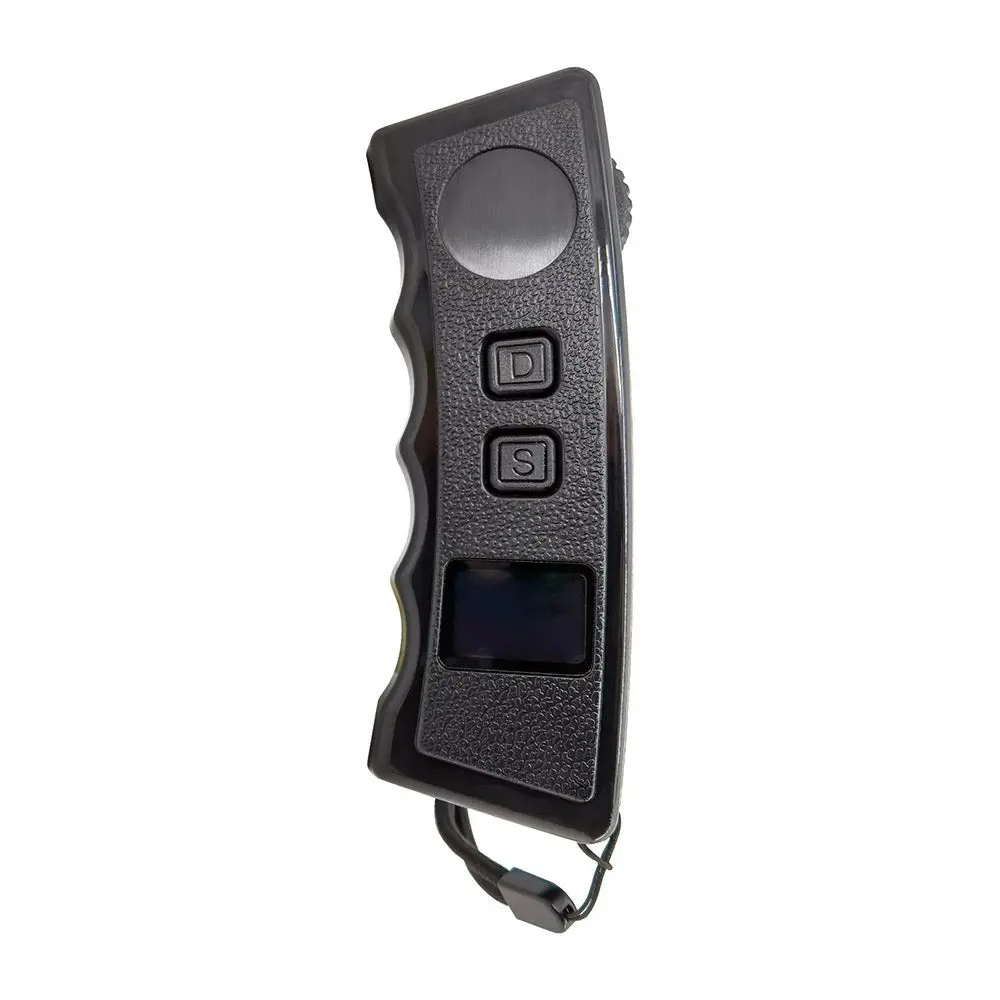
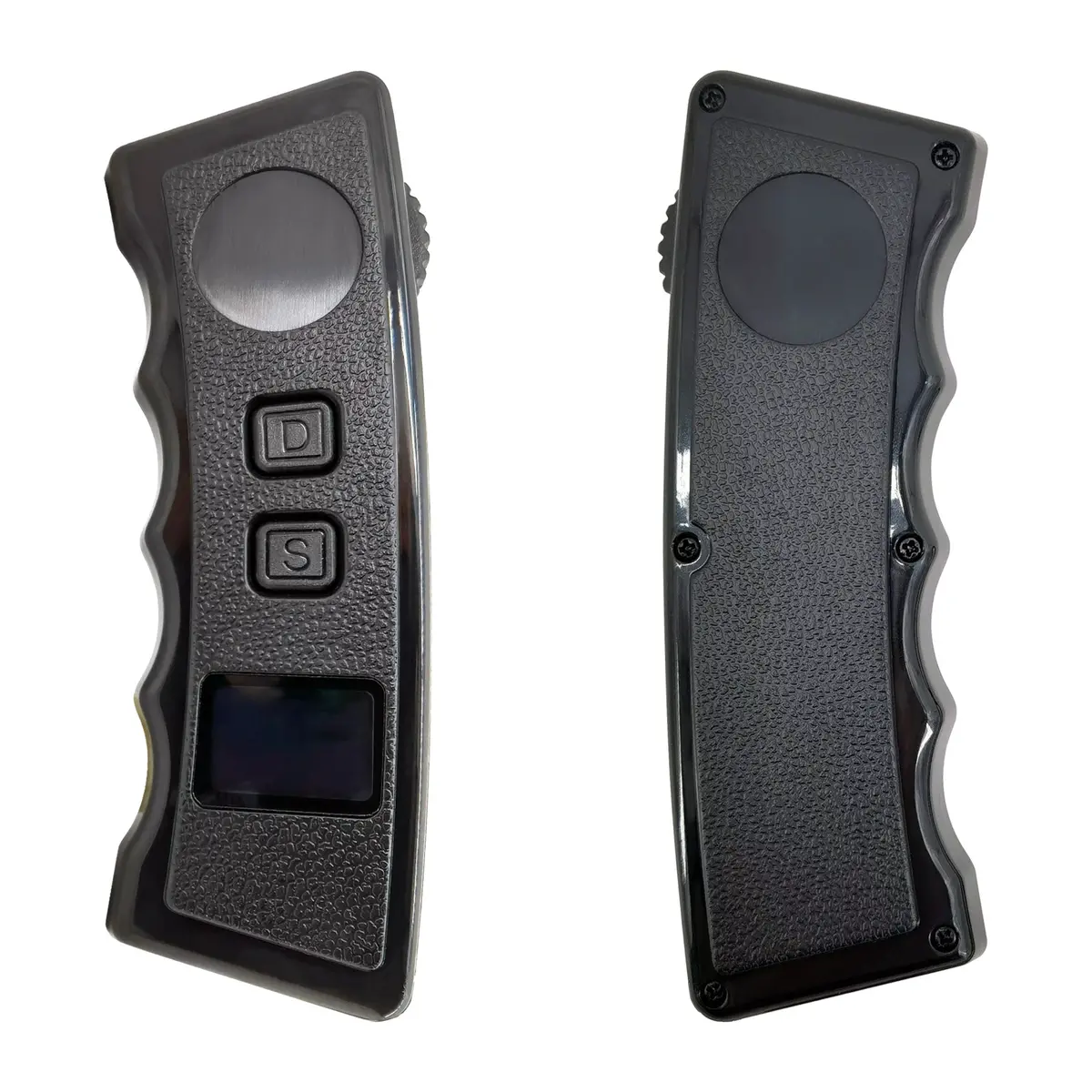
Description
ATTENTION: Please communicate with customer service before purchasing the remote control, and make sure it is used to match Vestar skateboards; if the remote control is purchased to match third-brand eboards, we do not guarantee that the remote control will work normally.
R4 Remote Supported Models:
V3 Bamboo Turbo, V3 Bamboo Cruise, V3 Bamboo 4WD, Mini 2 Cruise.
Note: Other models that use Hobbywing 9005 ESC are bound to this remote control and can be used normally, but the speed display will be abnormal.
Vestar R4 smart Lcd remote control features:
1. Support dual-drive/four-wheel drive mode;
2. Compatible with hub skateboard/belt skateboard;
3. The wheel diameter is adjustable;
4. The transmission ratio is adjustable;
5. The braking force is adjustable;
6. Bluetooth communication.
How to operate the R4 smart remote
1. Press and hold the “D” key for 2 seconds to turn on the remote control.
2. Push the roller forward, the skateboard accelerates forward, and push the roller backward, the skateboard brakes.
3. Click the “S” button to switch the riding mode.
Riding mode Maximum speed of each mode:
- 1 (low) 10 mph/16 km/h
- 2 (middle) 18 miles/30 kilometers
- 3 (hight) 25 miles/40 kilometers
- 4 (Pro) 31 mph/50 kph (instant acceleration)
Braking intensity varies with speed mode:
1. Double-click the “D” key to switch the forward direction of the skateboard.
2. Press and hold the “D” key for 2 seconds to turn off the remote control.
How to pair the board and the remote
1. Keep the remote control and circuit board powered off.
2. Press and hold the “D” power button on the remote control until the remote control displays “Remote Mode”.
3. Scroll the throttle to select the 2WD or 4WD option, and press the “D” key on the remote control to confirm.
4. Long press the power button of the skateboard until the remote control shows that the binding is successful.
5. If you choose the 4wd mode first, you need to bind two ESCs in sequence. Please first Rear drive ESC pairing–(ESC1), and then Front drive ESC pairing—(ESC2).
Next, you will complete the following settings:
1. Unit system-select from [KM/H KM] and [MPH MILE].
2. Motor type-select [Belt/Wheel].
3. Wheel diameter-select the actual size of the wheel you want to use from [80-200].
4. Transmission ratio-36T pulley selection [2.6], 60T pulley selection [4.2]. ).
5. Motor pole pair selection [7].
6. Braking force.
7. Bluetooth on/off option.
After completing the above steps, the remote control configuration is completed, the screen displays, and the working interface is entered.
Manual

Explore more from our collection.
Reviews
There are no reviews yet.